
STEPS TO ADD RESERVATIONS TO OPENTABLE
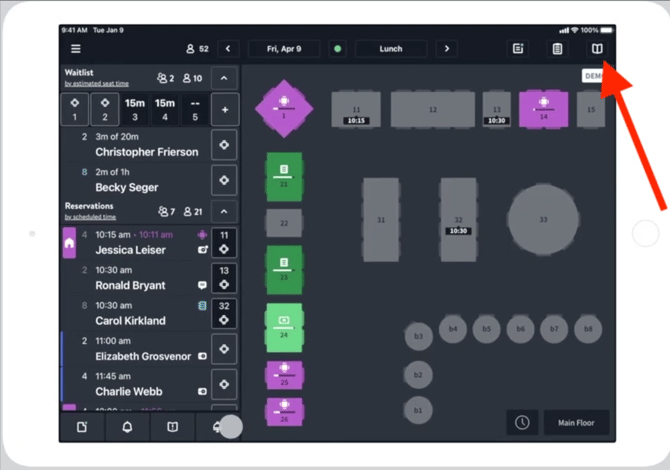
1. Launch OpenTable and navigate to the Booking Module page.
On an iPad: Select "Floor Plan" from the menu.
On the web version: Select "Front of House" from the OpenTable dashboard.
2. Create a new reservation in OpenTable.
Tap the reservation icon to add a new reservation. Choose the appropriate date and specify the party size based on the Avvail booking details.
3. Enter the reservation time.
4. Enter the guest's name and click "Create New Guest."
Enter the avvail.id email address and +1 (212) 589-8654 as the phone number.
NOTE: This phone number is the Avvail customer service line, but a phone number is required to create a contact in OpenTable. Using this number will make it easy to identify Avvail guests in the future.
5. Finalize the reservation and accept it in your Avvail dashboard.
For more information on how to accept reservations, refer to this support article.